
Meta Ads Training in Chennai
Learn how to plan Facebook and Instagram advertising around a clear business goal. Understand campaign objectives, audiences, ad creatives, budgets and performance reports through practical exercises.
DIGR’s Meta Ads training helps you connect what people see in an advertisement with what Shappens after they click, send a message or submit an enquiry.
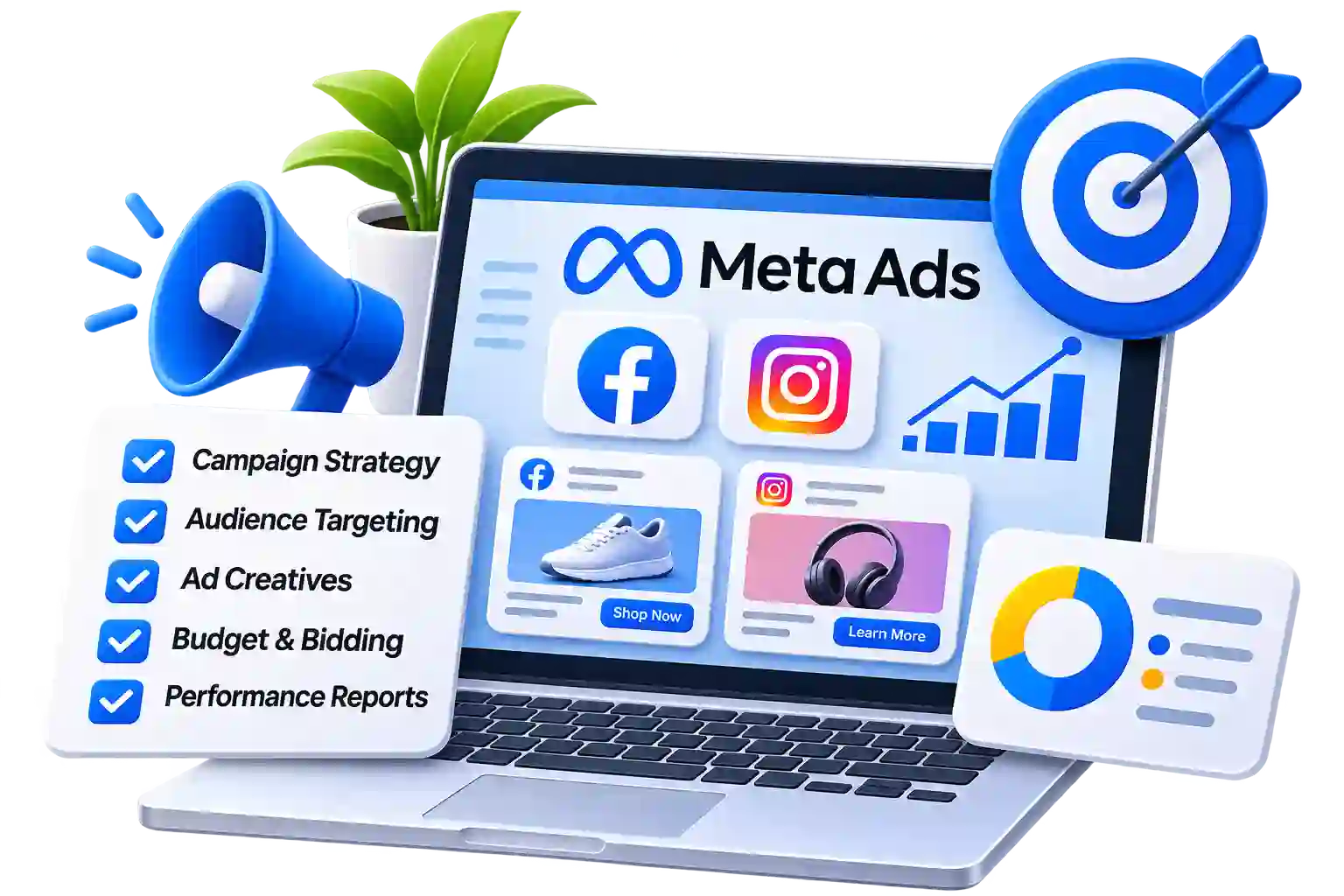

Understand the Work Behind Facebook and Instagram Advertising
A good-looking advertisement is only one part of a campaign. You also need a relevant offer, a suitable audience and a clear next step for the person viewing it.
Our Meta Ads course brings these decisions together. Learn how to prepare a campaign brief, develop advertising ideas, plan spending and review the information available in campaign reports.
For example, a business may receive enquiries at a low cost but find that few people are interested in buying. Understanding the advertisement, form questions and follow-up process can help you investigate why.
The aim is to help you assess advertising through the quality of the response as well as the numbers shown in the account.
Who Can Learn Meta Ads?
Understand paid social advertising and practise preparing campaigns from a business brief.
Learn how to assess advertising ideas, spending and the enquiries your business receives.
Develop paid advertising skills alongside your experience with posts, content calendars and community management.
Add a brief dLearn to prepare campaign plans, explain creative decisions and report on performance.
You can start without previous advertising experience. Familiarity with Facebook, Instagram, websites and basic spreadsheets will help you follow the exercises. escription to your card.
What You Will Learn
In our meta ads training in chennai
Explore how an advertisement introduces an offer to an audience and encourages an action. Learn common terms such as reach, impressions, frequency, clicks and conversions, and consider what each can tell you about a campaign.
Understand the relationship between a Facebook Page, an Instagram account, an advertising account and the business tools used to manage them.
Learn why ownership, permissions and account security matter when working for a business. Practise identifying the access required for a task without relying on shared passwords or unnecessary administrator permissions.
Understand the relationship between campaigns, ad sets and ads. Explore how the settings at each level affect delivery, spending and creative presentation.
Practise explaining why a campaign intended to generate enquiries needs different decisions from one intended to attract video views.
Explore broad audience approaches, available targeting options, Custom Audiences and Lookalike Audiences where eligible. Discuss how audience choices relate to the campaign objective, available data and platform restrictions.
Prepare creative briefs for images, videos and carousel ads. Match the visual and wording, and make sure important information is easy to understand on a phone.
Practise producing distinct creative ideas rather than making minor changes to the same advertisement.
Explore placement choices and automated placement options. Check whether a creative remains understandable when adapted to different formats instead of assuming one design will work equally well everywhere.
Learn to choose questions that help a business understand an enquiry without making the process unnecessarily difficult. Consider what a person should see after submitting their details and how the business will respond.
Discuss the difference between a submitted lead, a relevant enquiry and a paying customer.
Explore delivery and bidding concepts without treating platform estimates as guaranteed outcomes. Practise documenting spending assumptions, approval requirements and the information needed before increasing a budget.
Assess mobile usability, enquiry forms, contact options and confirmation messages. Identify gaps between what an advertisement promises and what the visitor finds.
Assess mobile usability, enquiry forms, contact options and confirmation messages. Identify gaps between what an advertisement promises and what the visitor finds.
Assess mobile usability, enquiry forms, contact options and confirmation messages. Identify gaps between what an advertisement promises and what the visitor finds.
Check their output for accuracy, tone and unsupported claims. Review automated platform suggestions against the business goal rather than accepting them without understanding the change.
Include human review before any generated material is used in an advertisement.
Turn a Business Brief into Campaign Work
Apply the lessons through tasks such as:
- Preparing an advertising brief for a sample business.
- Mapping an offer to a campaign objective.
- Planning campaigns, ad sets and advertisements.
- Writing ad copy for different creative ideas.
- Preparing a short video storyboard.
- Reviewing an advertisement across placement previews.
- Drafting a lead form and follow-up process.
- Creating a landing page checklist.
- Interpreting sample campaign and enquiry data.
- Writing a campaign review with recommended next steps.
These exercises can use sample information and draft plans. Live advertising requires separate agreement on account access, budget and responsibility.


Prepare a Lead Generation Campaign Plan
Bring your learning together by planning a campaign for an agreed business scenario.
For example, a local service provider may want enquiries from people within its service area. Your task is to explain the offer, prepare suitable advertisements and plan how the business will assess and respond to enquiries.
Your project should include:
- The business goal and intended audience.
- Proposed campaign structure.
- Two or more distinct creative concepts.
- Draft copy and visual instructions.
- A form, messaging or landing page journey.
- Budget assumptions and approval requirements.
- A measurement and lead-review plan.
Explain your decisions and identify what must be checked before launch. If you include the project in a portfolio, label it clearly as practice work.
Look Beyond Likes and Lead Counts
Through lessons and practice, you will work towards being able to:
- Prepare a campaign brief around a business requirement.
- Explain the purpose of key campaign settings.
- Develop clear advertising messages and creative briefs.
- Review the journey from advertisement to enquiry.
- Plan a manageable creative test.
- Interpret basic campaign reports.
- Connect advertising results with feedback from the business.
- Present recommendations with supporting reasons.
A low cost per enquiry can be useful, but it does not show the whole outcome. Learn to ask whether enquiries are relevant, whether people receive a response and whether the offer meets their needs.
Learn with Dakshinamoorthy Siva
Dakshinamoorthy Siva is a digital marketing consultant whose work includes websites, content and marketing campaigns.
At DIGR, his teaching approach connects explanations with practical tasks. Learners are encouraged to discuss their decisions, review examples and identify what they would improve.

Ask About the Next Meta Ads Training Batch
Contact DIGR for the current fees, duration, class timings, teaching language and available learning format.
Before enrolling, confirm the syllabus, account requirements, practice arrangements and support included. Ask whether any paid design tools or advertising spend will be required separately.
Questions About Meta Ads Training
Learn to Plan Facebook and Instagram Ads with Purpose
Understand how the offer, audience, creative work and enquiry process fit together. Share your experience and learning goals to find out whether DIGR’s Meta Ads training is suitable for you.