WordPress Training in Chennai 

Learn to plan, build and manage a website using WordPress. Work through page creation, menus, images and enquiry forms while understanding how each part helps a visitor use the site. 


At DIGR, WordPress training connects website creation with content and basic SEO. You will practise building pages and checking your work on desktop and mobile. 
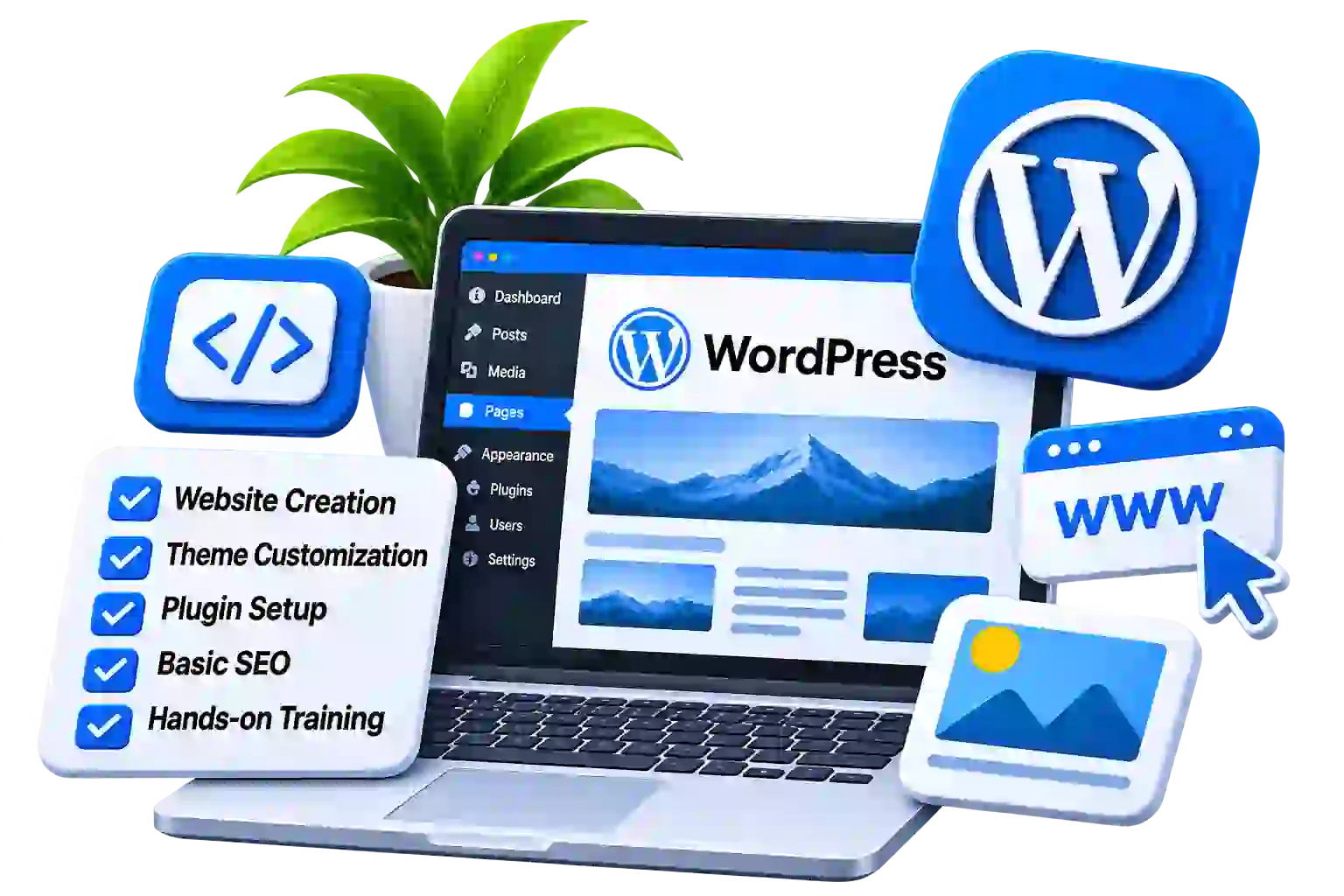
WordPress training in chennai
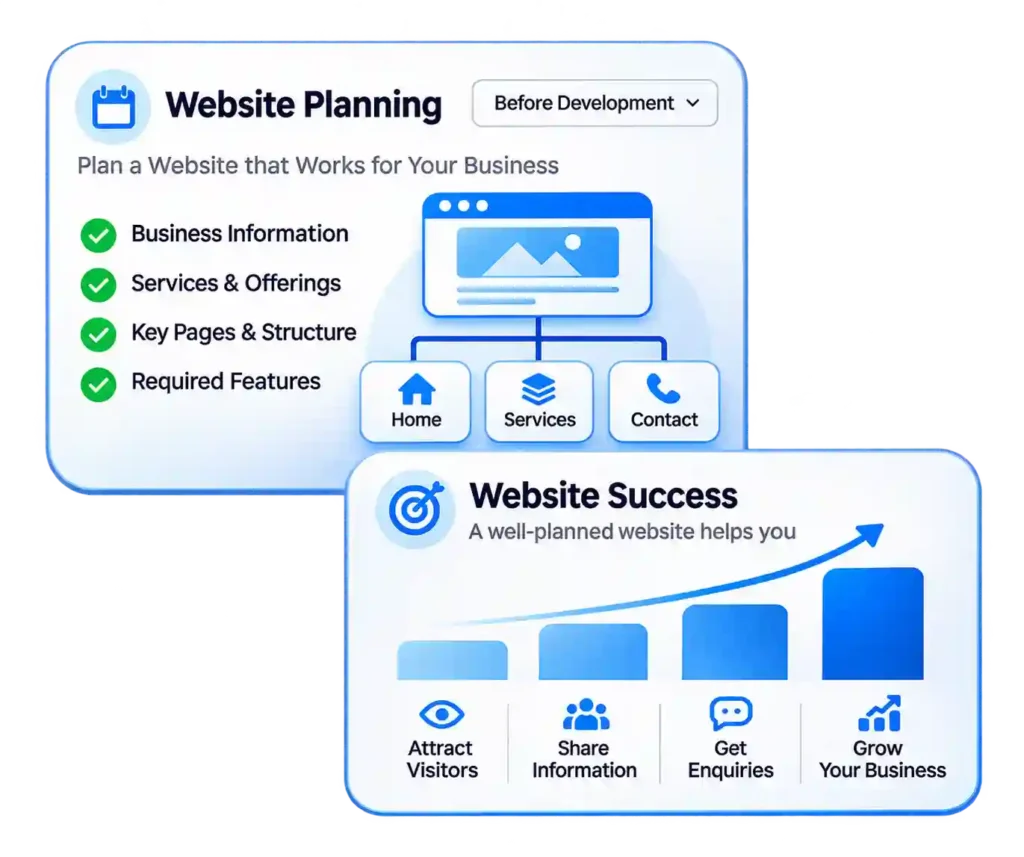
Website planning illustration showing business information, website page structure, services, contact details and business growth.

Start with What Your Website Needs to Do 

our website is often the first place a customer visits to understand your business. They may want to see your services, compare products or find a way to contact you. 

Before choosing colours or installing a theme, you need to decide what information belongs on the site and how people will find it. 

This course begins with website planning. From there, you will work through the WordPress dashboard, create pages, organise content and add the features needed for a small business website. 

You will also learn to maintain the site after it is built. Changing a phone number, adding a service or replacing a photograph should be something you can approach with confidence. 

For People Who Want to Build and Manage Their Own Pages 

This training is suitable for beginners who want to understand website creation, business owners who need to maintain their site and marketers who regularly work with website content. 


It can also provide a starting point for people interested in freelance website work. Alongside building pages, you will need practice in understanding a client’s requirements, agreeing on the work and checking the finished website. 


You do not need coding knowledge to begin. Basic computer skills, familiarity with files and folders, and time to practise will help. 
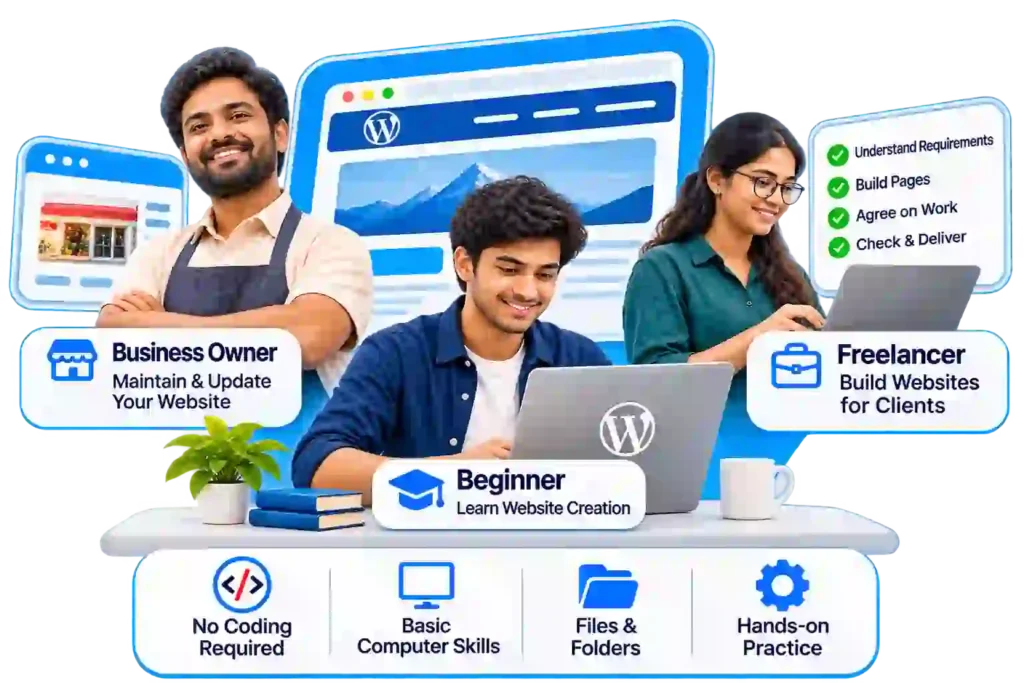
llustration of beginners, business owners and freelancers learning website creation and management through a WordPress course in Chennai.

What You Will Learn 

Website Planning, Domains and Hosting 
Understand what a domain name does, where website files are stored and how hosting supports a website. 
Prepare a simple page plan before starting the design. Decide which information belongs on the homepage, what needs a separate page and how visitors will move between them. For example, a training website needs to help someone find a course, understand its content and make an enquiry. A restaurant website has different priorities, such as menus, location and reservations. 
Become familiar with the dashboard and the main areas used to manage a site. Learn the difference between pages and posts. Create drafts, preview changes and understand the difference between saving work and publishing it. 
Work with the media library and learn to organise the images and documents used on your pages. 
Finding Your Way Around WordPress 
Themes, Blocks and Page Layouts 
Understand how a theme affects the overall appearance of a website and how the editor is used to arrange content.  Practise building sections with headings, paragraphs, images, buttons and columns. Adjust spacing and alignment so that the content is comfortable to read. The training will focus on the editor selected for your batch. You do not need to learn several page builders at once to understand how a well-organised page works. 
Create the pages a small business commonly needs: Home, About, Services and Contact. 
Each page has a different job. The homepage introduces the business, the services page explains what is offered, and the contact page helps someone take the next step.  Learn to keep these purposes clear rather than repeating the same introduction throughout the site. 
Building the Main Website Pages 
Menus, Headers and Footers 
Build navigation that helps visitors find important pages. Add menu links, organise dropdowns where needed and check that every link opens the correct destination.  Work on the header and footer so that contact information and navigation remain consistent across the website. Review the mobile menu separately. A menu that works on a wide screen may need a different arrangement on a phone. 
Learn to choose images that help explain the page. Prepare suitable image dimensions, reduce unnecessarily large files and add descriptive alternative text where appropriate. Practise replacing template wording with useful business information. Write clear button labels and check that headings describe the section beneath them.  A visitor should not have to guess what a button does or search several pages for a basic contact detail. 
Images and Website Content 
Enquiry Forms 
Create an enquiry form with fields relevant to the business. Decide which details are necessary and which can be optional. Check the submission message, email delivery and the information received by the website owner.  Testing is part of the task. A form may look complete on the page while its notifications are not reaching the intended inbox. 
Learn to prepare descriptive page titles, readable URLs and a clear heading structure.  Connect related pages with useful internal links. Consider what a visitor is searching for and whether the page provides enough information to answer that need.  Where an SEO plugin is used, understand the purpose of its fields rather than changing the content only to improve a plugin score. 
Basic On-Page SEO 
Mobile Checks and Page Performance 
Review your website on different screen sizes. Look for clipped headings, oversized images, crowded columns and buttons that are difficult to use.  Learn to recognise common causes of unnecessarily heavy pages, such as large images and features that add little value. Keep a list of issues and work through them before treating the website as finished. 
Understand why websites need ongoing care. Learn the purpose of backups and the checks involved when updating themes, plugins or WordPress itself. 
Discuss user access and the importance of keeping ownership and login details organised. Practise planning a change, taking appropriate precautions and checking the result. Know when an issue needs help from the hosting provider or a developer. 
Updates, Backups and Everyday Maintenance 

Build a Small Business Website 

Bring the lessons together by creating a practice website for a business or project you understand. 
Start with a short brief: what the business offers, who the website is for and what visitors should be able to do. 

Your project can include: 

  • A homepage with a clear introduction.
  •  An About page with relevant background. 
  • A page explaining a service. 
  • A contact page with a working enquiry form. 
  • Navigation linking the main pages. 
  • A footer with accurate information. 
  • Basic page titles and mobile checks

Before presenting the project, follow the same route a visitor would take. Read the pages, click the buttons, open the menu and submit the form. 

If the website is a practice exercise, label it as such when adding it to your portfolio. 
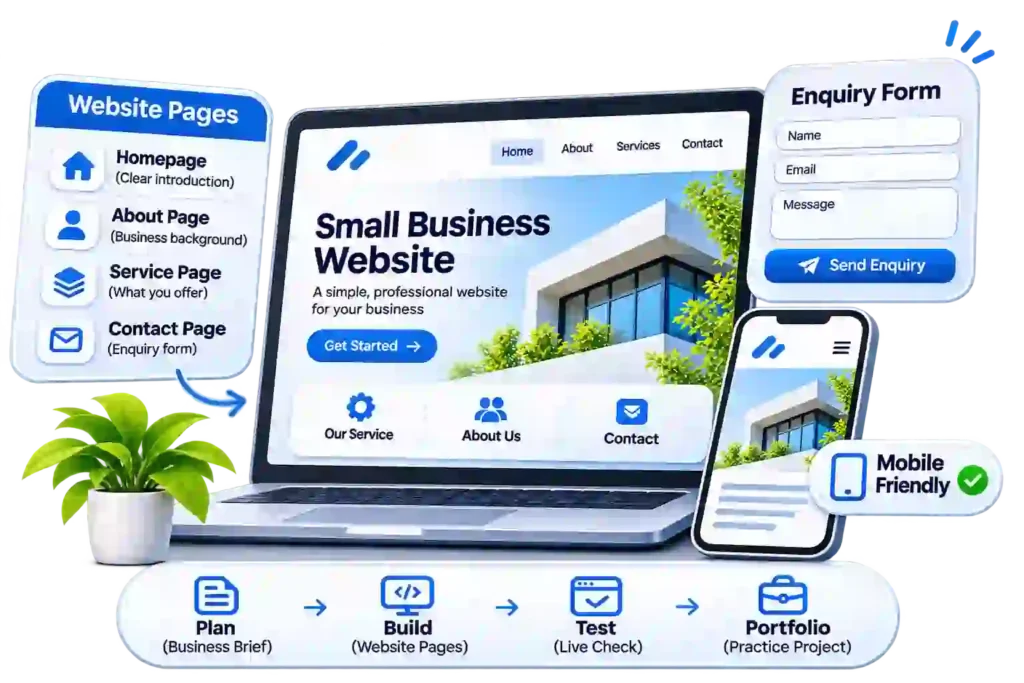
small business website project showing website pages, enquiry form, mobile-friendly design and website development workflow.
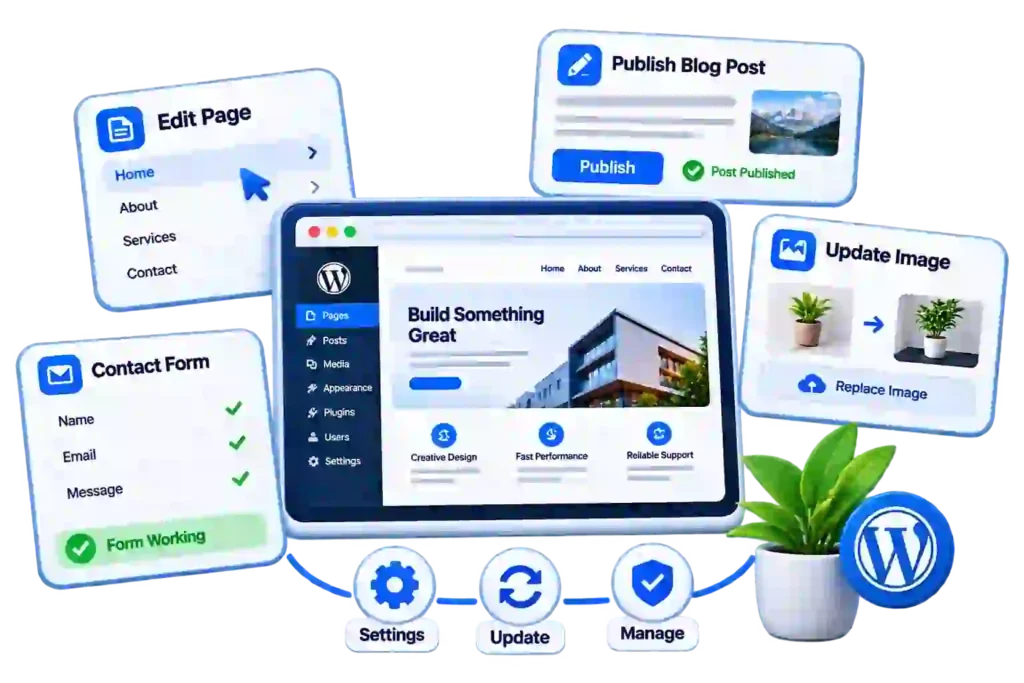
WordPress website management illustration showing page editing, blog publishing, image replacement and contact form management.

Make Everyday Website Changes Yourself 

The course is intended to help you become comfortable with common website tasks. 


These include adding a page, updating service information, publishing a blog post, replacing images and checking a form. You will also learn how to describe a problem clearly when you need technical help. 


More complex work takes further practice. Custom development, large online stores and specialist integrations may require skills beyond an introductory website course. 

Learn with Venkateshwaran Ramesh 

venkateshwaran ramesh works with websites, SEO and digital marketing content. 


His approach at DIGR connects website building with the questions a business needs to answer: what should the page say, how should it be organised and what should the visitor do next? 

About your trainer
Professional portrait of Venkateshwaran Ramesh, WordPress trainer at DIGR.

Discuss Your Website and Learning Goals 

Contact DIGR for the current WordPress course fees, duration, class timings and learning format. 
If you already have a website, tell us what you want to change or learn. If you are starting from the beginning, ask about the practice setup and whether domain registration, hosting or paid software will be needed. 

Before You Join 

You can begin creating pages and managing content without coding. HTML and CSS can be useful later if you want to understand or customise a website more deeply. 

Do not purchase them just for the course before confirming the practice arrangements. Ask whether exercises will use a local installation, a practice site or your own hosting. 

Share the website details before joining. Its theme, editor and condition may affect which exercises are suitable. Changes to a live site need a backup and the owner’s permission. 

Ask for the editor and theme included in the current batch. The course should help you understand page structure and website management, rather than assume every theme works in the same way. 

Confirm this before enrolling. Course fees, hosting charges and software licences are separate items unless the course information explicitly includes them. 

The main focus is a small business website. If you want WooCommerce, payments, shipping or product management, ask whether these are available as additional topics. 

The course includes basic on-page SEO connected with website creation. For deeper work in keyword research, technical reviews, local SEO and reporting, explore DIGR’s SEO training. 

The course provides a foundation. Before accepting client work, practise completing and checking a website, handling revisions and explaining what is included in your service. Finishing a course does not replace that experience. 

Overline

Have a Website You Want to Build?